Bluetooth Battery Indicator2.3
Publisher Description
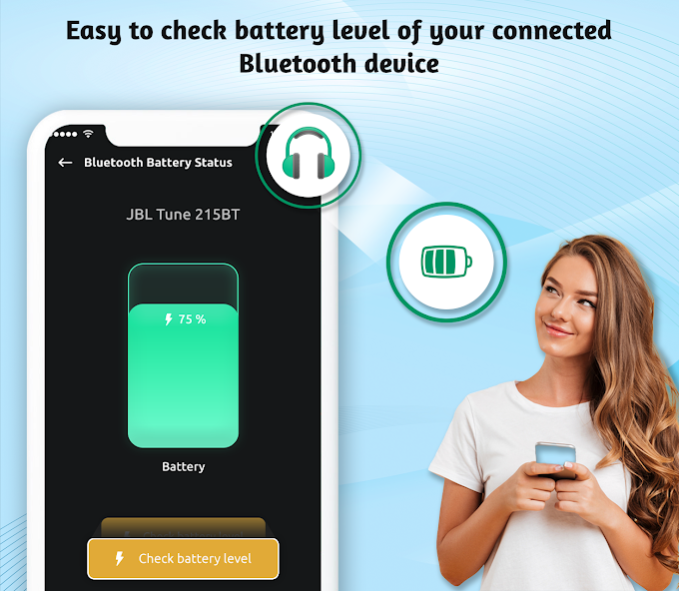
Want to check the remaining battery level of the Bluetooth devices? 🎧 🔉
It's your yes, then Bluetooth Battery Level Indicator 🔋 will help you to check battery level of the headset 🎧, speakers 🔉 and other Bluetooth devices 🅱️.
Bluetooth Battery Reader allows you to read the battery level of Bluetooth devices like Bluetooth headphones, headsets, speakers, and Bluetooth Low Energy (BLE) devices. Bluetooth battery indicator gives other information, such as the connection state, from most Bluetooth devices.
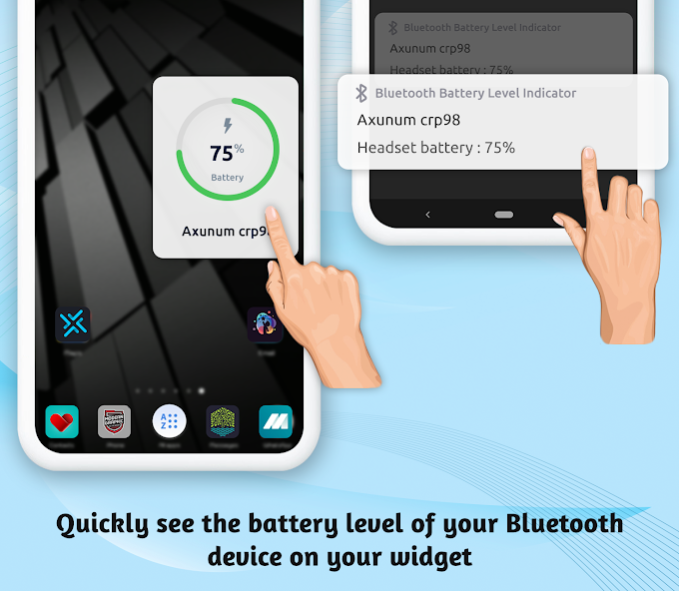
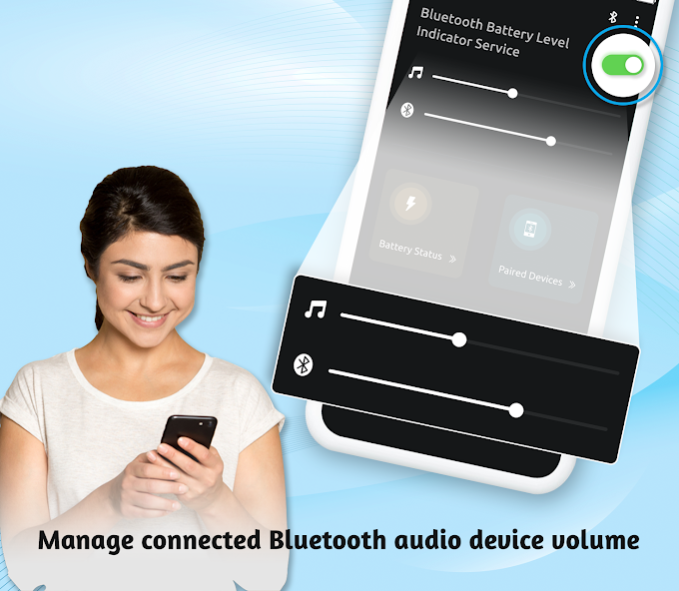
The app also gives the widget option to know Bluetooth battery percentage level on the phone's screen. You can change the volume of media and Bluetooth volume from the app.
Once you connect to the Bluetooth headset 🎧, then you can get a pop-up 📥 widget ⏺️ that will allow you to read the battery level of your Bluetooth Headset Battery from anywhere in your Android device.
Features of Bluetooth battery percentage indicator
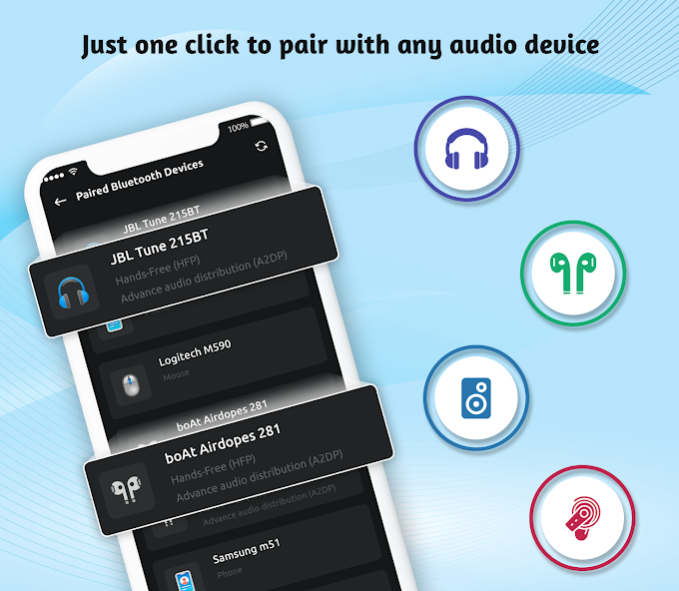
🔋 List of paired Bluetooth devices
🔋 Check battery level of Bluetooth devices
🔋 Can Change pairing device
🔋 You can get Bluetooth Battery Level Indicator on notification bar
🔋 Can add widget on mobile screen
🔋 Small size app
🔋 App is internet free
Download the Bluetooth Battery Level Indicator app and know the battery percentage of Bluetooth device before getting discharge.
About Bluetooth Battery Indicator
The company that develops Bluetooth Battery Indicator is Olis West Corp.. The latest version released by its developer is 2.3.
To install Bluetooth Battery Indicator on your Android device, just click the green Continue To App button above to start the installation process. The app is listed on our website since 2022-05-24 and was downloaded 28 times. We have already checked if the download link is safe, however for your own protection we recommend that you scan the downloaded app with your antivirus. Your antivirus may detect the Bluetooth Battery Indicator as malware as malware if the download link to com.btbatterystatuswidget.betterylevelindicator is broken.
How to install Bluetooth Battery Indicator on your Android device:
- Click on the Continue To App button on our website. This will redirect you to Google Play.
- Once the Bluetooth Battery Indicator is shown in the Google Play listing of your Android device, you can start its download and installation. Tap on the Install button located below the search bar and to the right of the app icon.
- A pop-up window with the permissions required by Bluetooth Battery Indicator will be shown. Click on Accept to continue the process.
- Bluetooth Battery Indicator will be downloaded onto your device, displaying a progress. Once the download completes, the installation will start and you'll get a notification after the installation is finished.
